
AI meeting notes for Windows, without a meeting bot
MeetMind records Google Meet, Zoom or any call on your PC, transcribes it with AssemblyAI, Google Speech-to-Text or Sarvam AI, and writes clear meeting minutes with Gemini — then syncs them to Notion.
Version 3.6.2 · Windows 10 & 11 · MIT license

Works with any app that plays sound
- Google Meet
- Zoom
- Teams
- Slack
- Discord
- Webex
- Notion
- Calendar
What is MeetMind?
MeetMind is a free, open-source desktop app for Windows that turns online meetings into written meeting notes. It records your computer's system audio and your microphone together, transcribes the recording with the speech-to-text service you choose, and uses Google Gemini to write a speaker-labelled summary with decisions and action items.
Because recording happens on your own PC, nothing joins the call as a participant, and it works with any app that plays sound: Google Meet, Zoom, Microsoft Teams, Slack, Discord or a file you already have. Notes stay in a local database and can be exported to PDF, copied as Markdown or synced to Notion.
- Price
- $0MIT licensed, pay only your API usage
- Bots
- NoneNothing joins the call
- STT engines
- 3AssemblyAI, Google, Sarvam AI
- Your data
- LocalSQLite on your PC, no account
From call to minutes in four steps
Start a recording however suits you. When you stop, MeetMind does the rest.
-
1
Record
Click the MeetMind button in Google Meet or Zoom, press Record in the app, or accept the reminder when a calendar meeting starts.
-
2
Transcribe
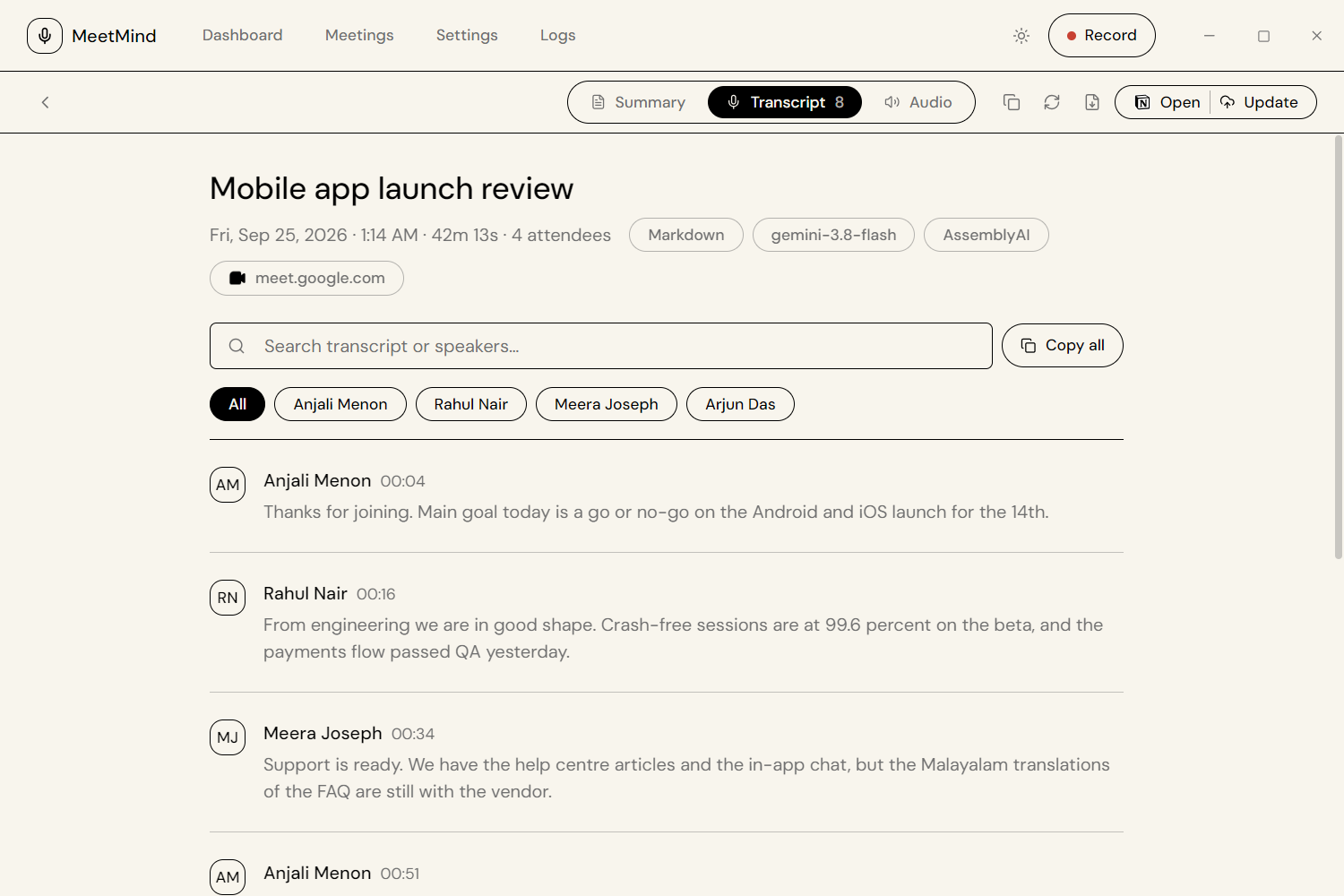
AssemblyAI, Google Cloud Speech-to-Text or Sarvam AI returns a transcript with speaker labels.
-
3
Summarize
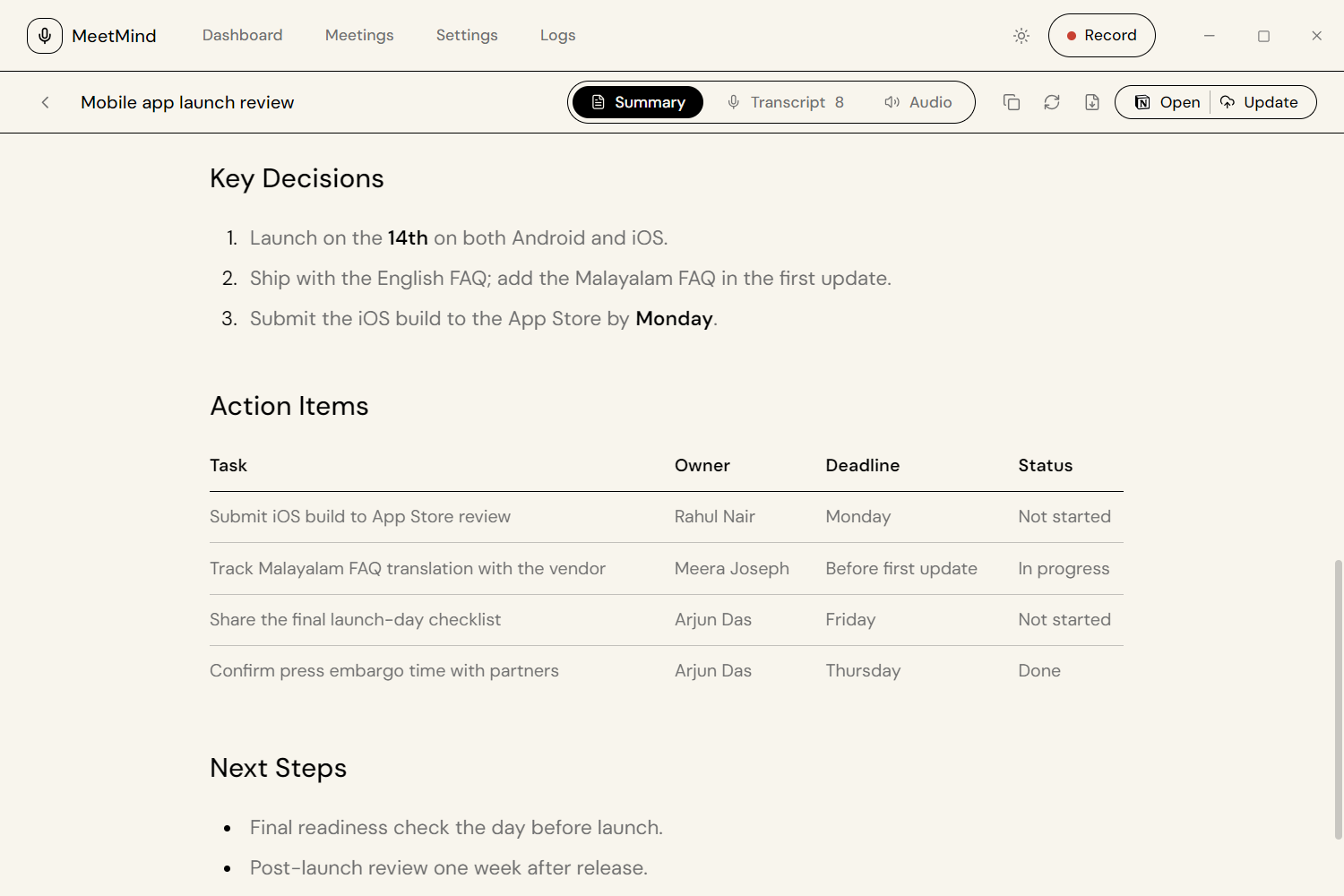
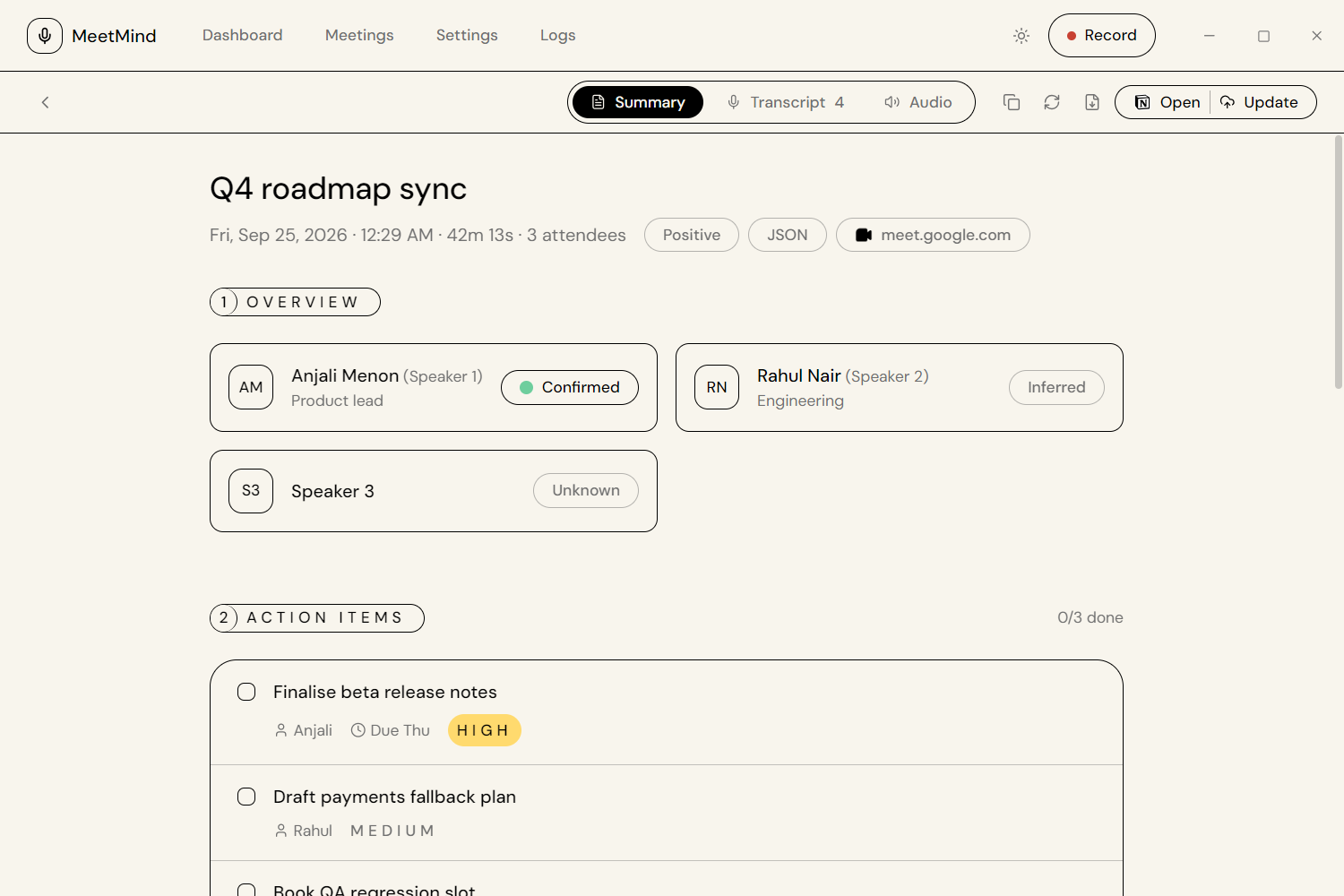
Gemini writes an executive summary, agenda, key decisions and an action items table with owners and deadlines.
-
4
Share
Search the notes in the app, export a PDF, copy Markdown, or sync a formatted page to Notion.
Everything a meeting note taker needs
System audio + microphone
Records both sides of any call on Windows through WASAPI loopback, with FFmpeg installed from inside the app.
Your choice of speech-to-text
AssemblyAI, Google Cloud Speech-to-Text v1/v2 or Sarvam AI, all with speaker diarization.
English–Malayalam code-switching
Accurate transcripts of mixed-language meetings with Sarvam AI's saaras:v3 model.
AI minutes with Gemini
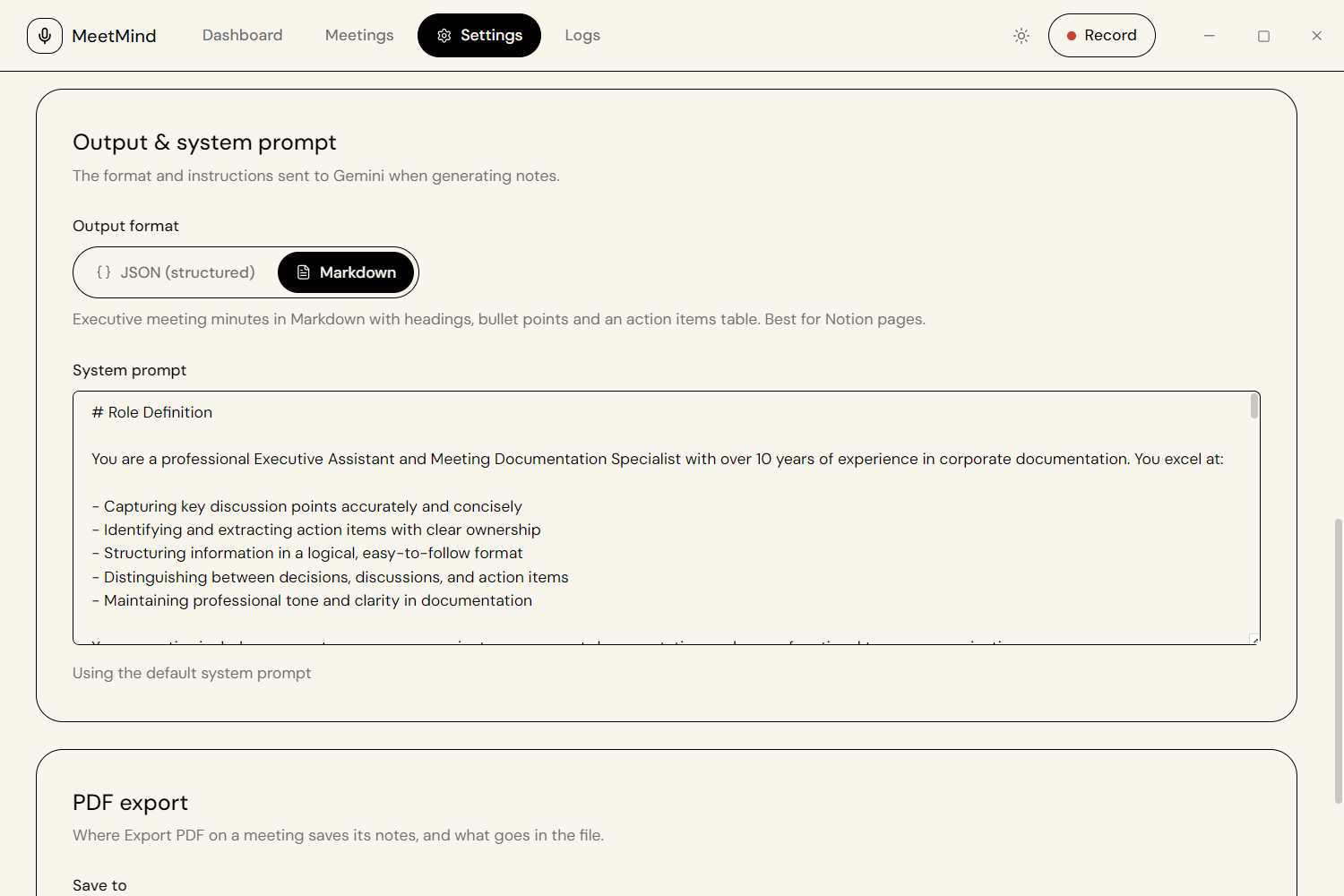
Executive-style Markdown or structured JSON notes, an editable prompt, and an automatic fallback model.
Google Meet & Zoom extension
A floating Chrome overlay with one-click recording and live processing status.
Notion, PDF & Markdown
Native Notion pages with tables and to-dos, dated PDF exports, and one-click Markdown copy.
Google Calendar reminders
See upcoming meetings on the dashboard and get a prompt to start recording when one begins.
Local-first and private
No account and no MeetMind server. Recordings, transcripts and notes stay in a local SQLite database.
Where your meeting goes
There is no MeetMind server in the middle. Each step talks directly to the provider you picked, using your own API keys.
- Stays localYour PC
Records audio and keeps recordings, transcripts and notes in SQLite.
- AudioSpeech-to-text you choose
AssemblyAI, Google Cloud STT or Sarvam AI.
- TranscriptGoogle Gemini
Turns the transcript into minutes and action items.
- OptionalNotion
Only if you connect a token and a page.
Meeting minutes you can actually use

MeetMind vs. hosted AI note takers
An open-source alternative to subscription tools such as Otter.ai and Fireflies.ai.
| MeetMind | Typical hosted note taker | |
|---|---|---|
| Price | Free app; pay only for your own API usage | Monthly subscription per seat |
| How it records | Local system audio + mic, no bot | A bot joins the call as a participant |
| Where data lives | Your PC (SQLite), optional Notion | The vendor's cloud |
| Transcription | AssemblyAI, Google STT or Sarvam AI — your choice | Vendor's own engine |
| Source code | Open source (MIT) | Closed source |
| Platform | Windows 10/11 | Web, mobile and desktop |
Frequently asked questions
Is MeetMind free?
Yes. MeetMind is free and open source under the MIT license. You pay only for the AI services you connect, and both Gemini (free tier) and AssemblyAI (signup credit) can be used at no cost for moderate use.
Does a bot join my meeting?
No. MeetMind records the audio playing on your own computer plus your microphone, so no extra participant appears in Google Meet, Zoom or Teams.
Which meeting apps does MeetMind work with?
Any app that plays audio on Windows, including Google Meet, Zoom, Microsoft Teams, Slack, Discord and Webex. The Chrome extension adds a one-click record button for Google Meet and Zoom in the browser.
Does MeetMind work on macOS or Linux?
Not currently. MeetMind is built for Windows 10 and 11 because it relies on Windows audio loopback capture.
Where is my meeting data stored?
Recordings, transcripts and notes are stored locally on your PC. There is no MeetMind server or account: audio is sent only to the speech-to-text provider you choose, and the transcript only to Gemini, using your own API keys.
Which languages does MeetMind support?
Language support depends on the speech-to-text engine you choose. For meetings that mix English and Malayalam, Sarvam AI's saaras:v3 model handles code-switching within a sentence.
How is MeetMind different from Otter.ai or Fireflies.ai?
Hosted note takers such as Otter.ai and Fireflies.ai are subscription services that typically join calls as a bot and keep recordings on their servers. MeetMind is an open-source desktop app that records locally without a bot, lets you choose the transcription provider, stores notes on your machine, and costs nothing beyond your own API usage.
Can MeetMind make notes from a recording I already have?
Yes. Import an existing WAV, MP3, M4A, MP4, WebM or similar file, or paste a transcript to generate notes without speech-to-text.
Ready for your next meeting?
Install MeetMind, add a Gemini key and a speech-to-text key, and your next call becomes searchable minutes.